 StagePal
Your charts and set lists, ready for the stage.
StagePal keeps your chord charts, lyrics and set lists on your phone or tablet, and shows them big and clear when you play. No account, and no internet needed at the gig.
Your songs stay on your own device.
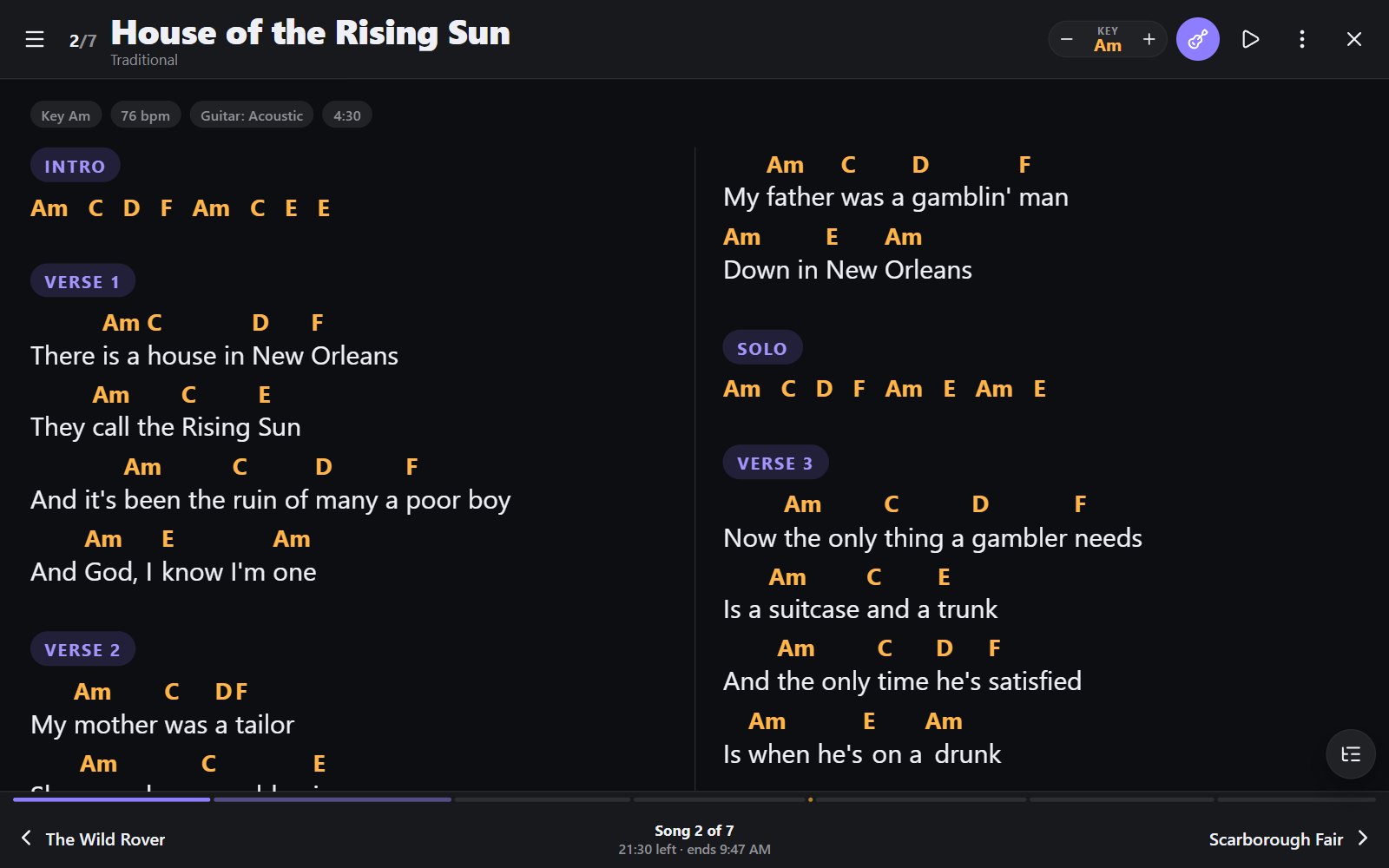
Everything you need between the soundcheck and the encore
Built by a working musician for real gigs: dark stages, quick changes, and no time to fiddle.
Stage mode
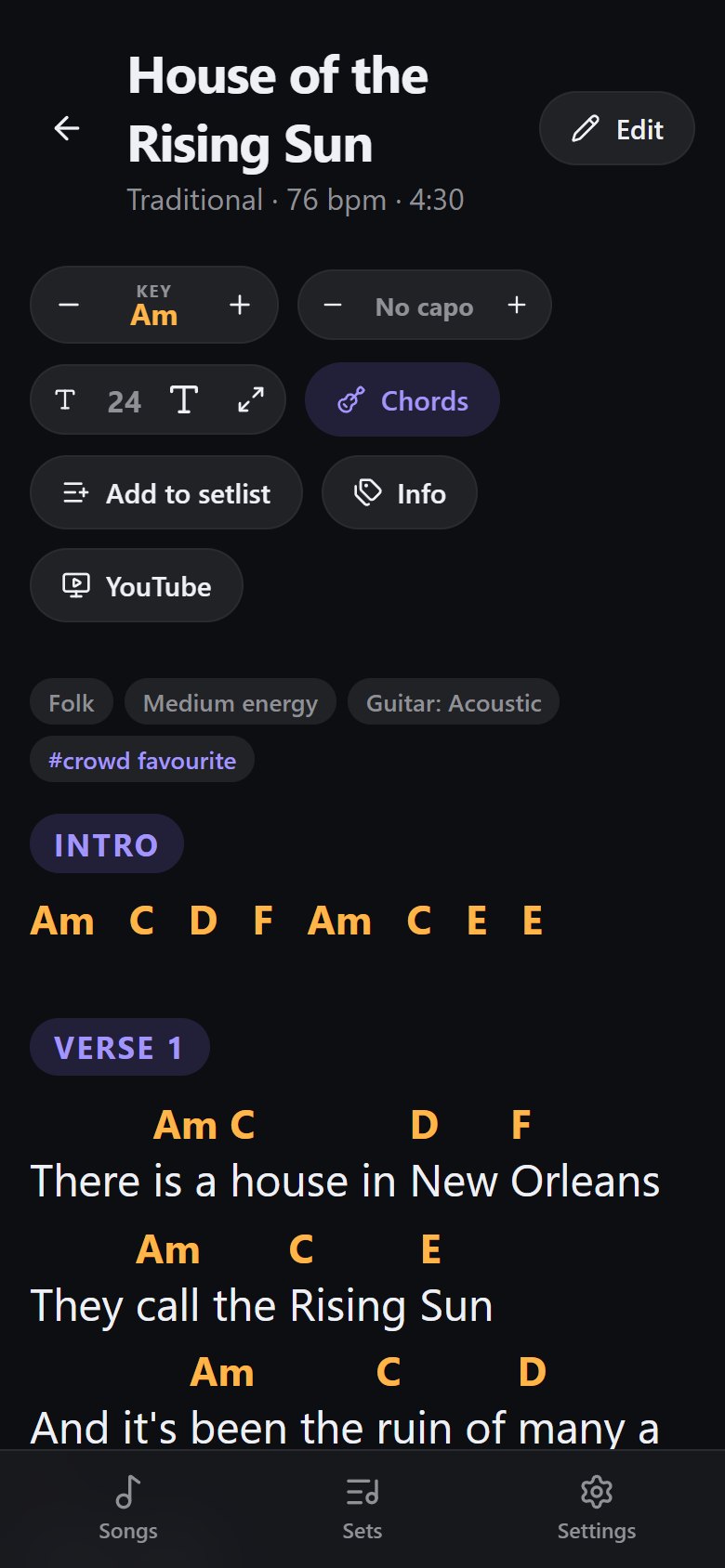
One song at a time in big, clear text. Swipe, tap the side or use a Bluetooth foot pedal to turn. The screen stays awake.
Change key in a tap
Every chord follows. A capo helper shows the shapes to play, and Nashville numbers read the same in any key.
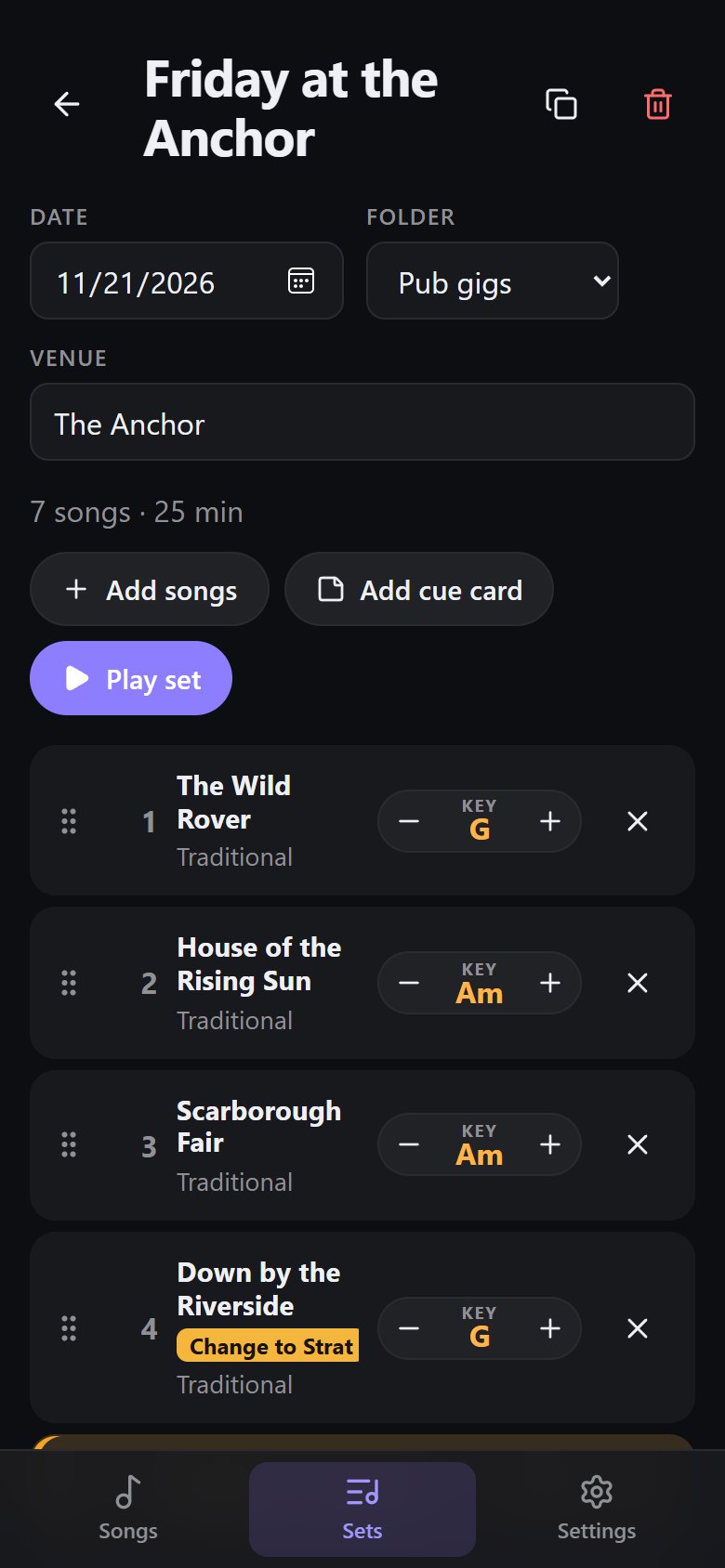
Set lists that keep their own versions
Change a key, the text size or even the words for one gig, and your library and other sets stay as they were.
Bring your songs in
Paste a song from any website and StagePal tidies it up. Import free charts from Ultimate Guitar, or your whole SongbookPro library.
Works with no signal
Everything lives on your device, so a dead spot at the venue doesn't matter. Back up to one file whenever you like.
AI help, if you want it
Ask for "an hour of high-energy funk" and get a running order from your own songs, or have your library tagged for you. Optional, with your own Claude key.
Organised before the gig
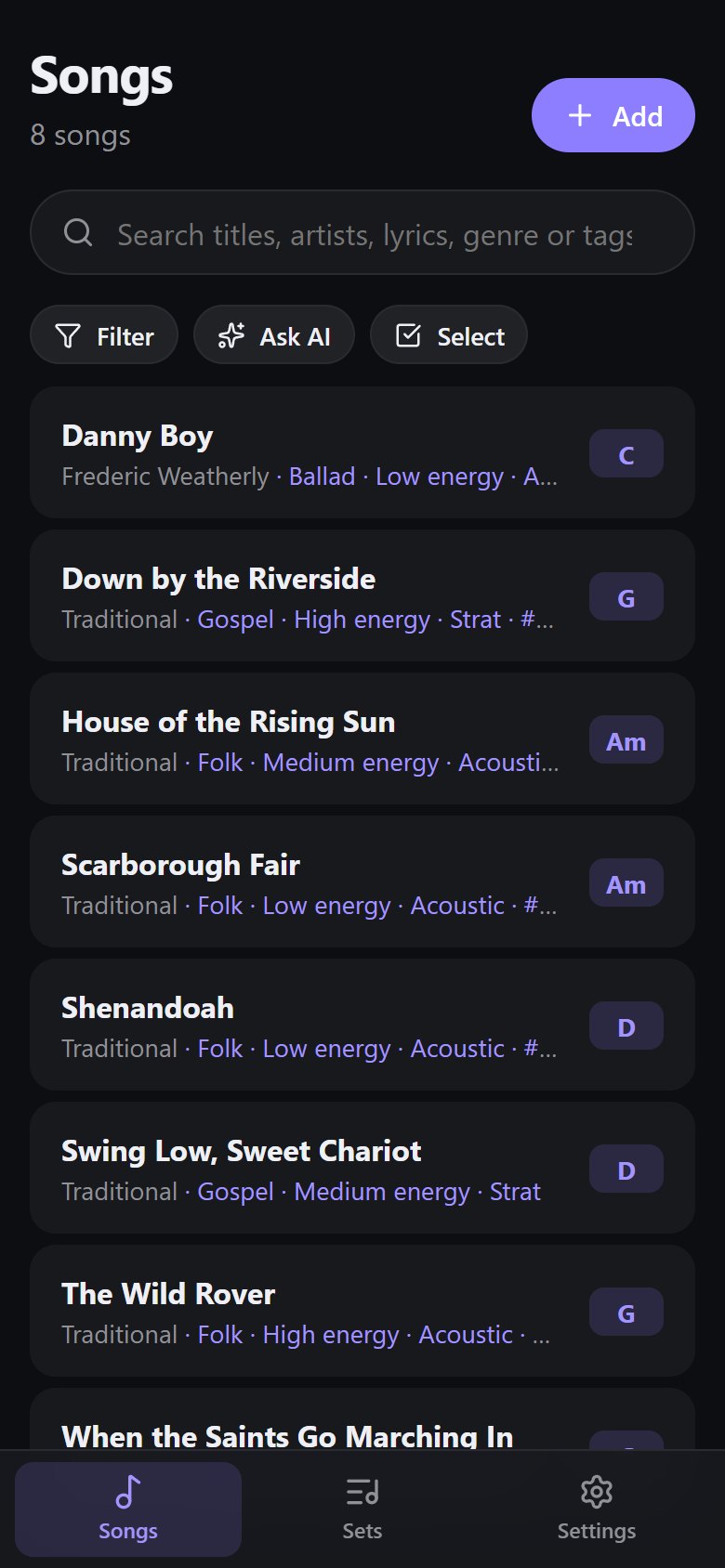
Find any song in seconds and build the night's running order.
- Search everything. Title, artist, a line of lyrics, genre or your own tags.
- Smart lists. "Funk, high energy, not played in a month", kept up to date for you.
- Folders for sets by venue, tour or month, and copy last week's set as a starting point.
- Set length adds up as you go, so you know if it fits the slot.
Calm on stage
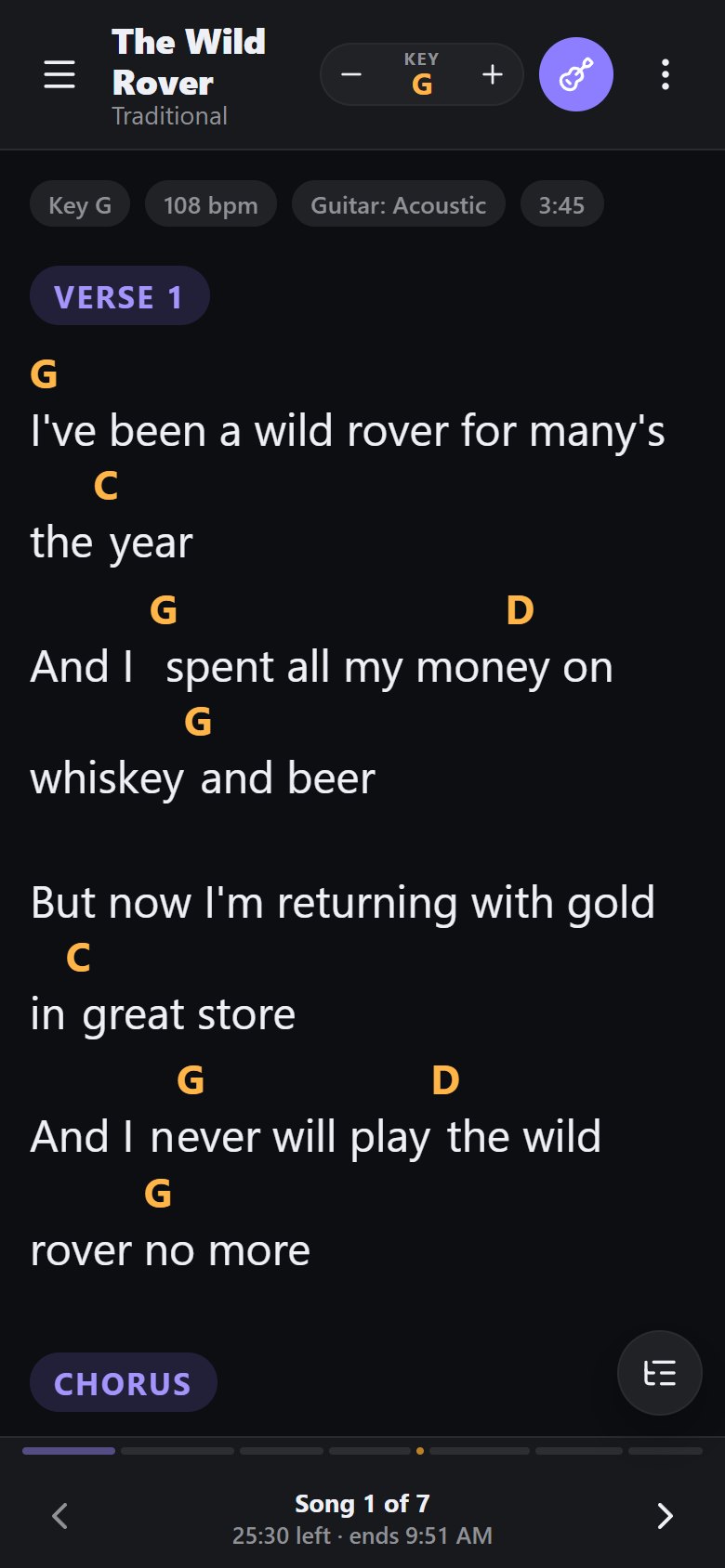
Large type, clear chords, and nothing in the way.
- Fit to screen picks the largest text that shows the whole song at once.
- Columns let short-lined songs sit side by side on a tablet.
- Jump to a section: Chorus, Solo or Bridge in one tap.
- The set's progress shows how much is left and when you should finish.
- Updates never land mid-gig. A new version waits until you say so.
Made for the whole band
Everyone reads the same set, set up the way they play.
Singer or guitarist
Change key, the capo helper, lyrics only, and a heads-up when the next song needs a different guitar.
Bass player
Bass tabs shown exactly as written, and your own version of a song in a set.
Drummer
The running order, song lengths and tempo, coloured cue cards and the set's progress at a glance.
Band leader
Build and copy sets, tag the library, and pass the whole thing to the band as one backup file.
Install StagePal
Pick your device.
Android phone or tablet
- Download the app and open the file.
- Allow installs from your browser when Android asks.
- Tap Install.
iPhone or iPad
- Open StagePal in Safari.
- Tap Share (the square with an arrow).
- Tap Add to Home Screen, then Add.
Computer
- Open StagePal in Chrome or Edge.
- Click the Install icon in the address bar to give it its own window.
Your songs stay yours
No account and no tracking. Your library is kept on your own phone, tablet or computer, not on our servers. Read the privacy policy.
Coming next
What we're working on. Everything above already works today.
- Sync between your devices
- Share sets with your band
- Everyone's screen follows the band leader
- Gig calendar and song history
- Pen notes on charts